01
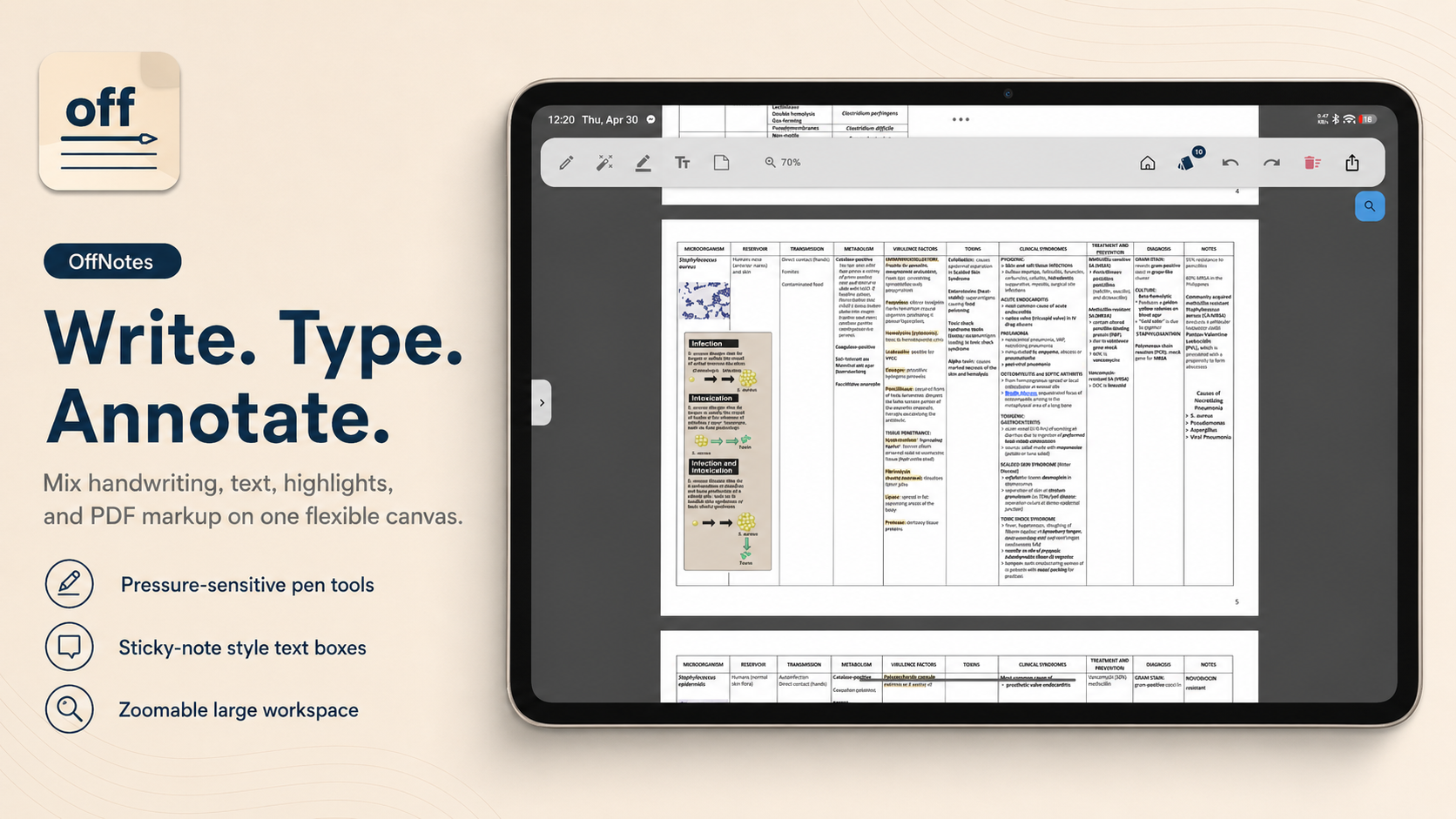
Write, type, annotate, and zoom.
Mix handwriting, typed text, highlights, and PDF markup on a flexible canvas built for long study sessions.
Write, annotate, search, and turn PDFs into flashcards with local AI that keeps your work on your device.
OffNotes brings notebooks, PDFs, handwriting, search, flashcards, and private AI together in one Android workspace.
Mix handwriting, typed text, highlights, and PDF markup on a flexible canvas built for long study sessions.
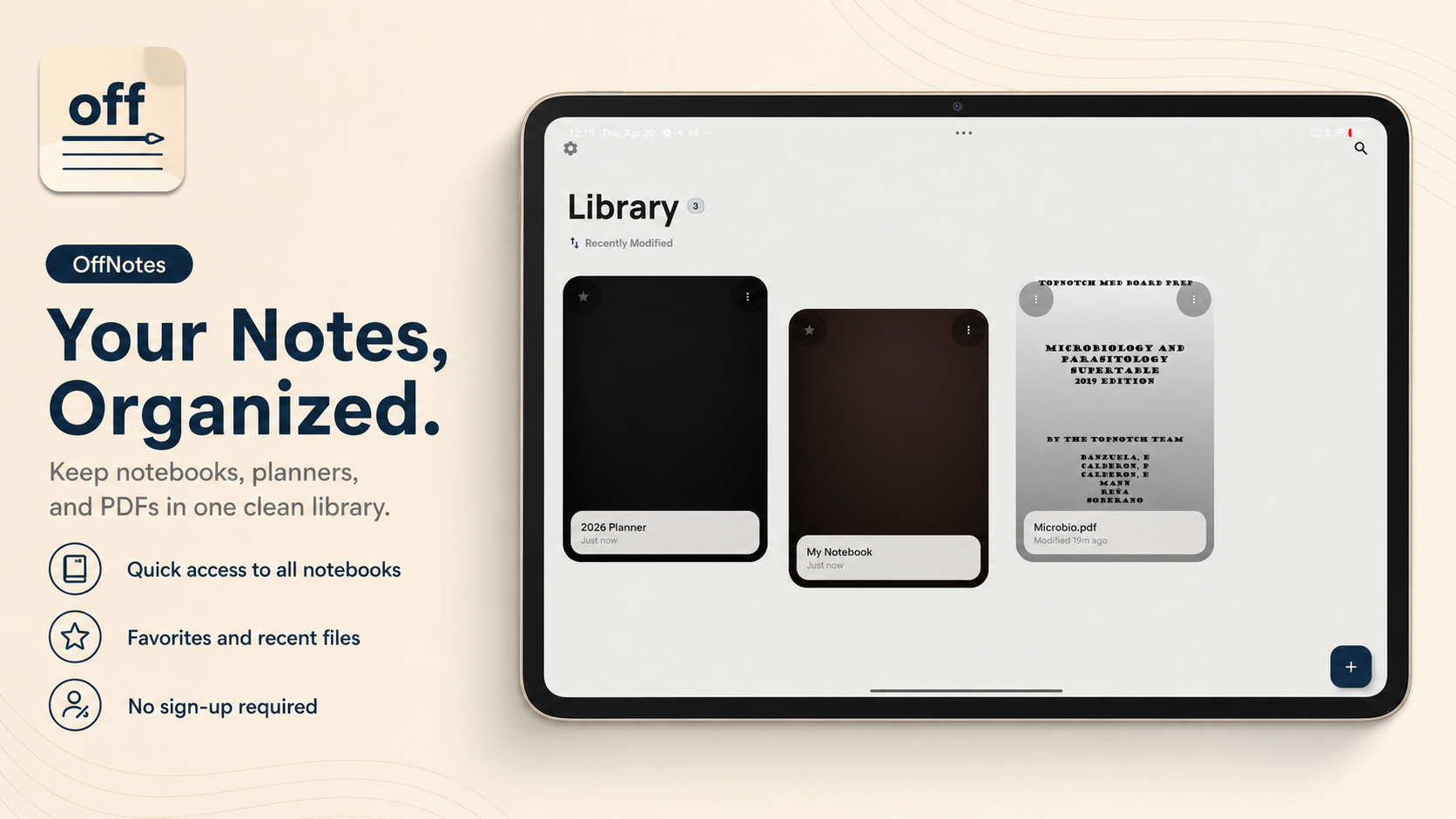
Keep notebooks, planners, and imported documents in one clean library with quick access to recent files.
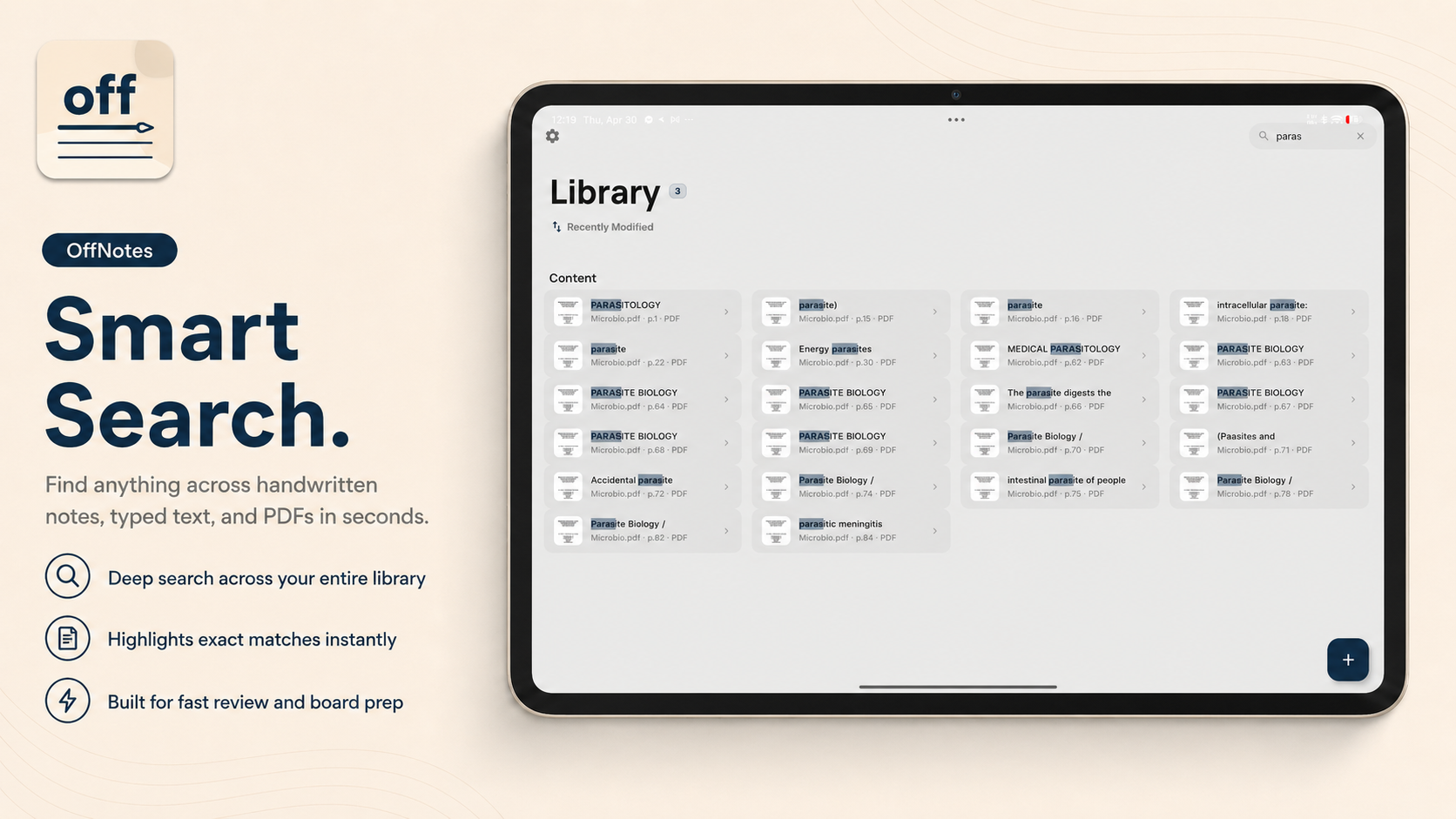
Find matches across PDFs, OCR text, and ink-indexed notes so review starts at the right page.
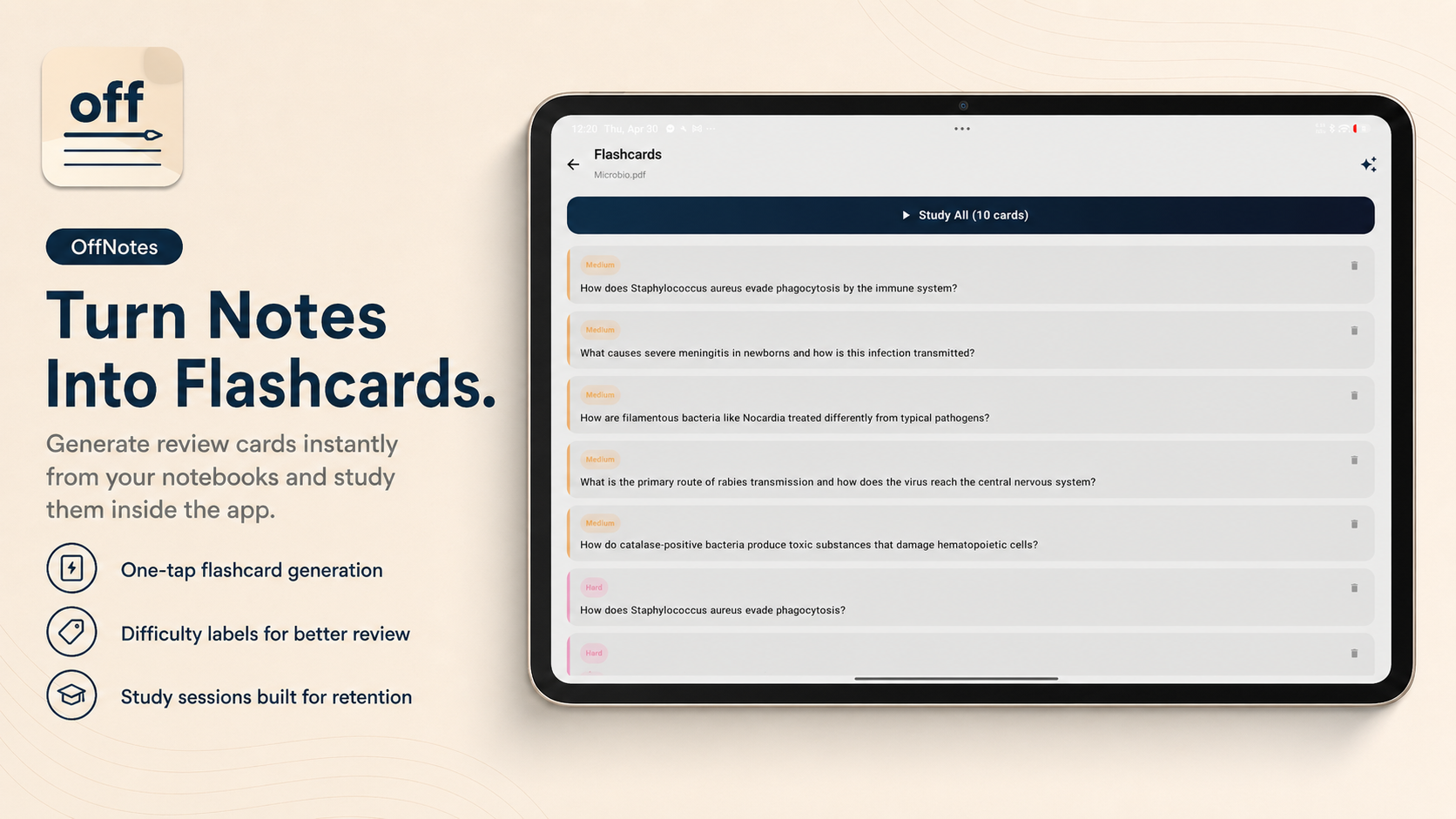
Generate flashcards from notebooks and PDFs, then review the deck inside the same private app.
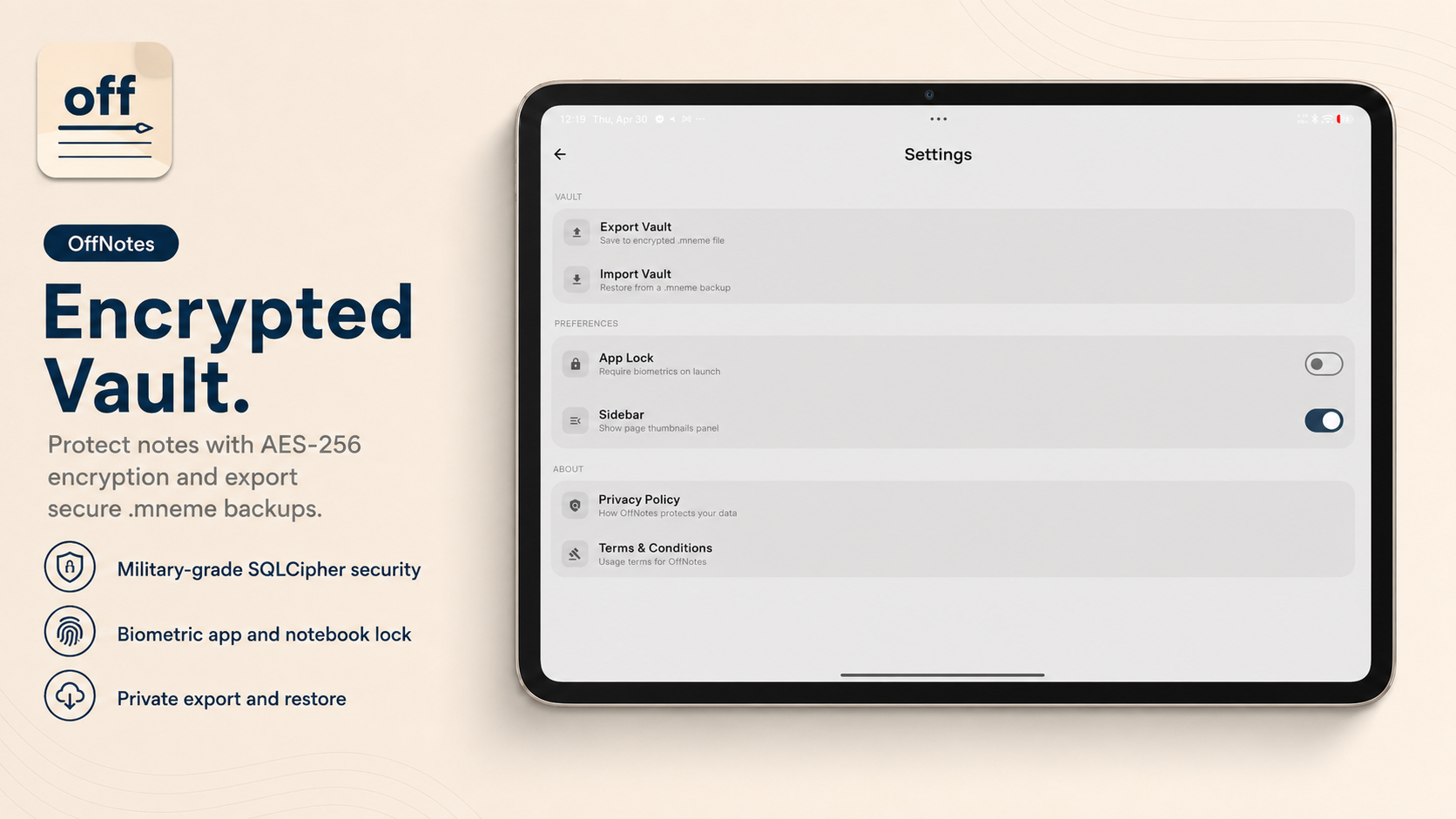
Export encrypted .mneme vault backups, restore privately, and protect access with app lock settings.
Sketch, annotate, and test the low-latency writing feel before installing the Android app.
Launch Web WorkspaceCloud note apps optimize for sync. OffNotes optimizes for ownership.

Leno is the friendly face of OffNotes: a private assistant for explaining features, guiding study workflows, and keeping the product approachable.
OffNotes is designed around local storage, private study workflows, encrypted vault exports, and on-device AI features so your notes are not built around a cloud account.
The app is built for notebooks, PDFs, and document study workflows, including opening PDFs and other study files from Android file managers.
OffNotes can generate review cards from notebooks and PDFs, then lets you study the resulting deck with difficulty labels and review controls.
A .mneme vault is an encrypted backup format for exporting and restoring your OffNotes notebooks without handing your data to a cloud service.
No account. No forced cloud. Just your notes, your study material, and your device.